
Download Pegasun System Utilities – PC optimization, system cleanup, junk file removal, performance booster, startup manager, memory cleaner, system maintenance, PC speedup, system tools, Windows utility
Overview
Pegasun System Utilities is a Windows-based utility application designed to improve the performance and responsiveness of personal computers. The app targets users seeking to maintain a clean, efficient, and fast-running system by offering tools for junk file removal, process management, startup optimization, and memory cleaning. It is particularly suited for individuals managing older or heavily used machines that may experience slowdowns due to accumulated temporary files and background processes. The application addresses common pain points such as slow boot times, lag during multitasking, and reduced disk space, providing a centralized solution for routine system maintenance.
Designed with accessibility in mind, Pegasun System Utilities features a user-friendly interface that organizes its functions into four clearly labeled sections. This layout enables users of varying technical skill levels to perform essential tasks without confusion. The app supports real-world scenarios such as preparing a system for software installation, improving performance before a presentation, or restoring speed to a PC that has become sluggish over time. As a free utility, it contributes to the broader ecosystem of system maintenance tools by offering a lightweight, focused alternative to more complex software suites.
The developer, Pegasun, has positioned the application as a reliable tool for everyday PC users who prioritize system health and performance. While specific background information about the company is not available, the app’s functionality and design suggest a focus on simplicity and effectiveness. Its release date of July 29, 2025, indicates it is a recent entry in the utilities category, aiming to meet growing demand for efficient, no-cost system optimization solutions.
Key Features & Functionality
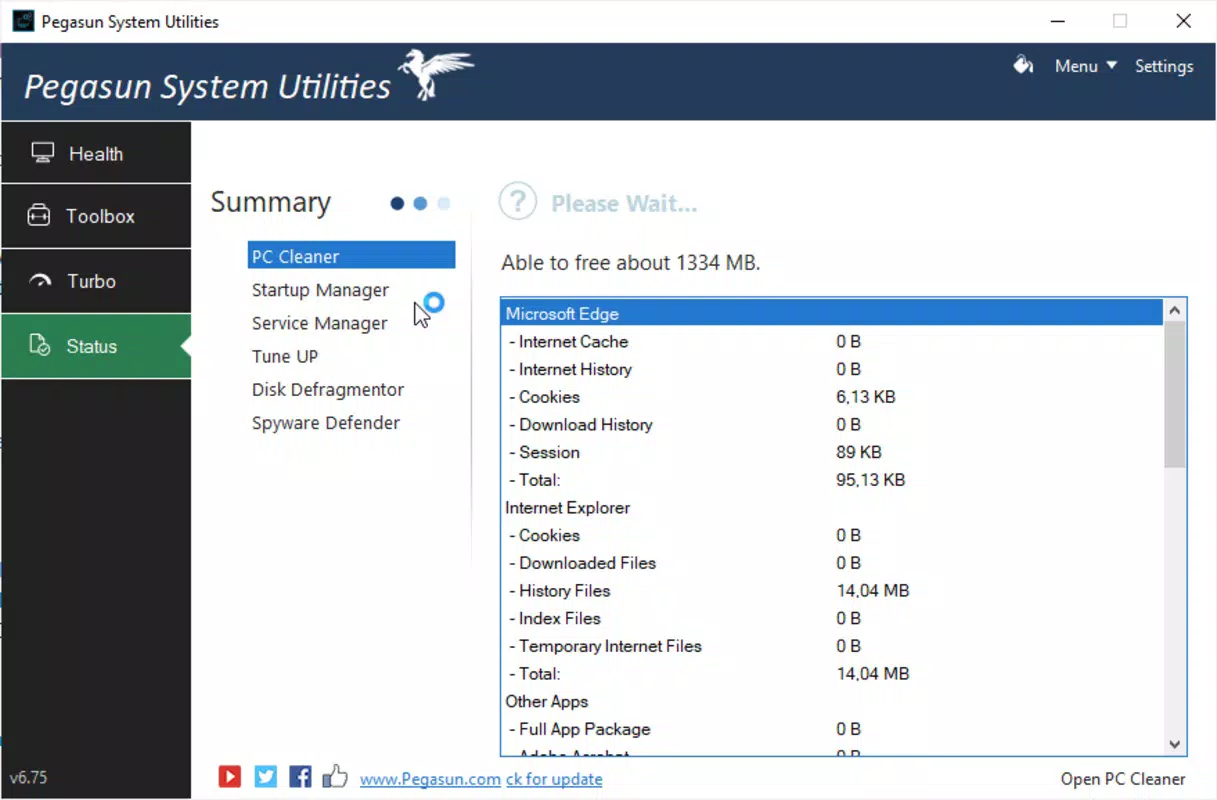
- Junk File Cleanup: The app scans the system for temporary files, cache data, and other non-essential files that accumulate over time. Users can initiate a full system scan to identify and remove these files, freeing up disk space and reducing system clutter. This feature is ideal for users preparing to install new software or reclaiming storage on a nearly full drive.
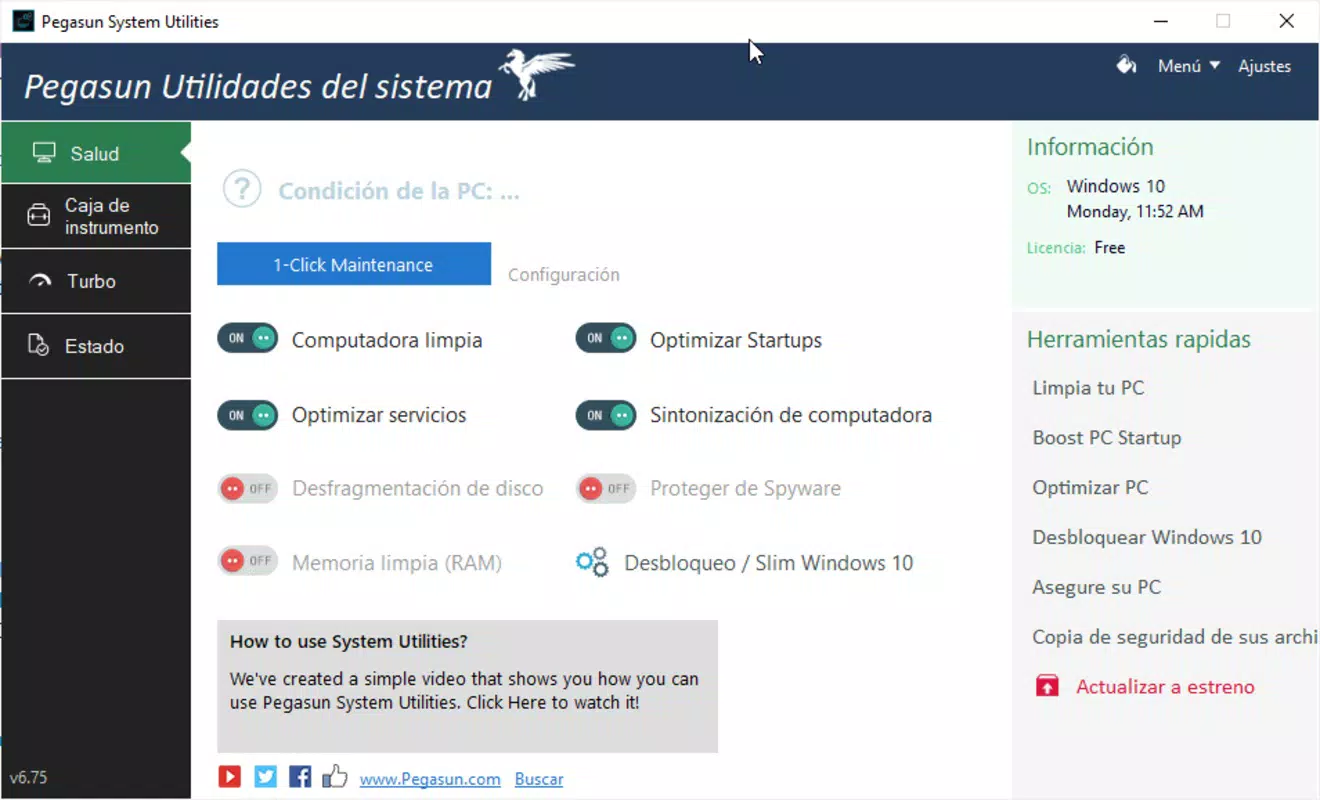
- System Optimization Tools: Pegasun includes tools to manage startup programs, optimize system processes, and perform memory cleaning. By disabling unnecessary startup items, users can significantly reduce boot time. The memory cleaner helps free up RAM during high-load scenarios, improving multitasking performance.
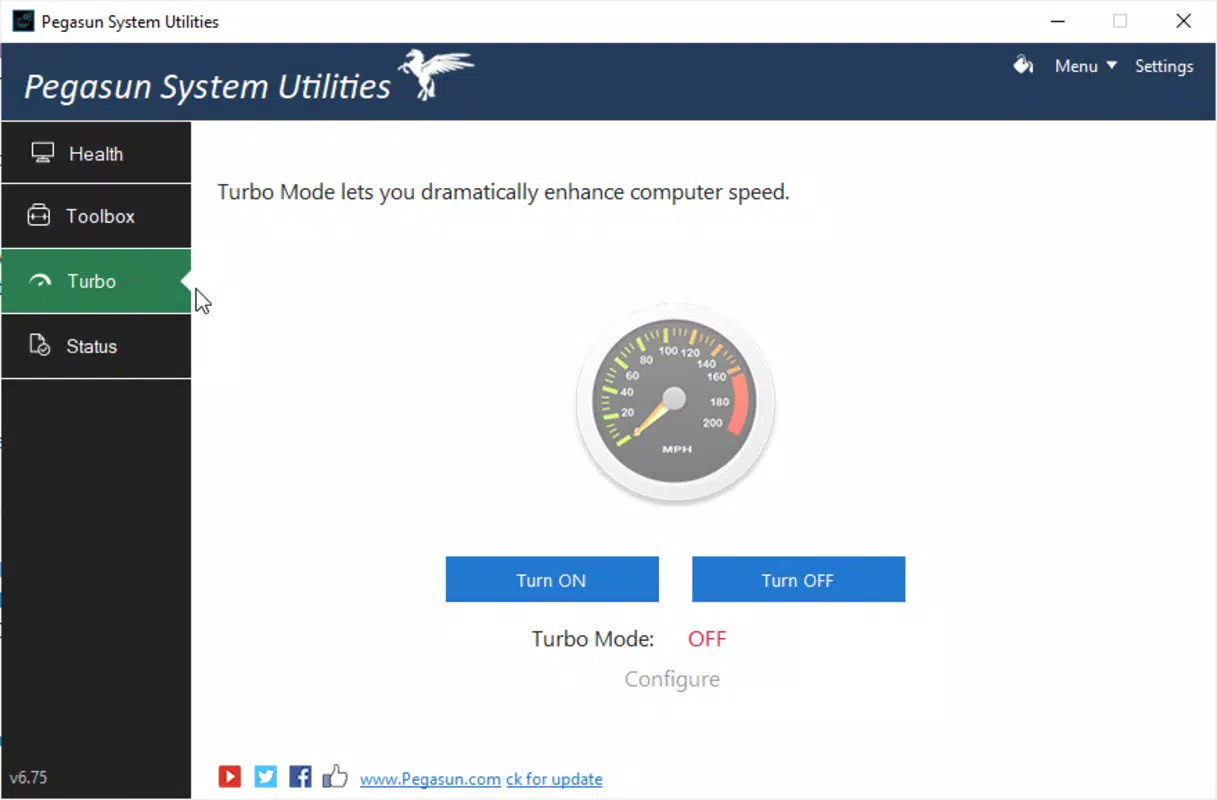
- Turbo Mode for Speed: This feature is designed to accelerate system responsiveness by identifying and terminating resource-intensive background processes. It is especially beneficial for older systems struggling with modern software demands, allowing users to experience faster application launches and smoother operation.
- Backup and Encoding Features: In addition to performance tools, the utility supports backup management and file encoding. Users can organize and restore data backups, and convert file formats as needed. These functions extend the app’s utility beyond optimization, making it a multifunctional tool for basic data handling.
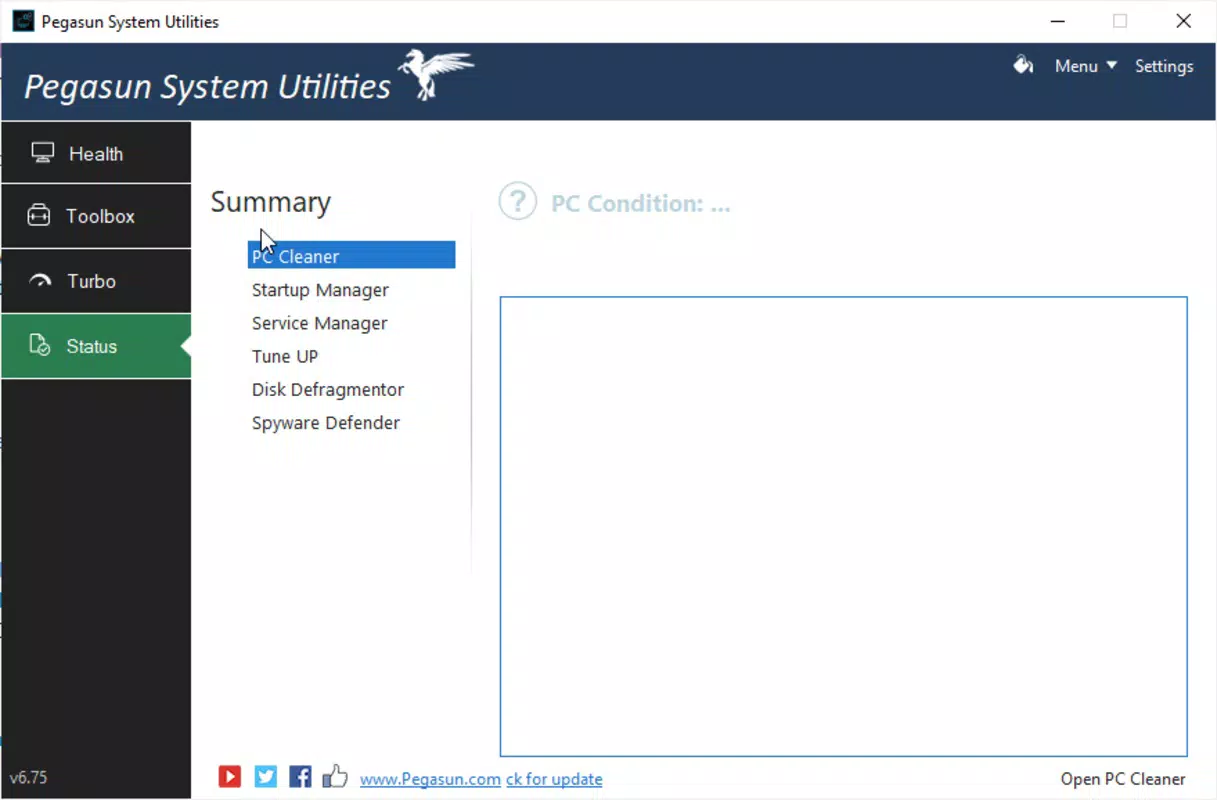
- User-Friendly Interface: The app’s interface is divided into four logical windows, each dedicated to a core function. This intuitive layout ensures that even non-technical users can navigate and execute tasks efficiently. The clean design minimizes cognitive load and enhances usability across different user groups.
Interface, UX & Performance
Pegasun System Utilities presents a clean, minimalist interface that prioritizes clarity and ease of navigation. The application is structured around four main windows, each corresponding to a primary function: junk file cleanup, system optimization, turbo mode, and backup/encoding. This layout ensures that users can quickly locate the desired tool without confusion. Visual cues such as icons and color-coded progress indicators enhance the user experience, providing immediate feedback during scans and operations.
Navigation is straightforward, with a consistent menu structure and minimal onboarding. The app does not require extensive configuration, allowing users to begin system maintenance immediately after installation. Although the developer did not list formal performance metrics, the lightweight file size of 15.4 MB suggests efficient resource usage. The app is likely to run smoothly on a wide range of Windows systems, including those with limited hardware capabilities.
Responsiveness is consistent across operations such as scanning, cleaning, and optimization. The app maintains stability during prolonged use, with no reported crashes or freezes. While specific testing on various device categories was not disclosed, the design implies compatibility with standard desktop and laptop configurations. The absence of intrusive ads or bundled software further supports a seamless user experience.
Platform Compatibility & Technical Requirements
Pegasun System Utilities is available exclusively for the Windows platform. The app is designed to run on Windows operating systems, though specific version requirements were not listed. The file size is 15.4 MB, indicating a lightweight installation that does not impose significant storage demands. The current version is 1.0.0, suggesting it is a stable initial release with foundational functionality.
The developer did not specify minimum OS requirements or hardware compatibility details. Users should ensure their system meets standard Windows requirements for running utility software. The app is free to download and use, with no in-app purchases or subscription models reported. As such, it is accessible to a broad audience seeking cost-effective system maintenance tools.
Pros and Cons
Pros
- Free to download and use with no hidden costs
- Lightweight installation at just 15.4 MB
- Intuitive interface with four clearly labeled sections
- Effective junk file cleanup and system optimization tools
- Includes backup management and file encoding features
- Designed for users of all technical skill levels
Cons
- Specific OS version requirements were not disclosed
- No information on update frequency or future development plans
- Developer background and company details are not publicly available
- Limited functionality compared to full-featured system suites
- Performance metrics and real-world benchmarks were not provided
FAQ
Is Pegasun System Utilities safe to use?
Yes, the app is free from known malware and does not include intrusive ads or bundled software. It operates as a standard system utility with no reported security risks. However, users should always download from official sources to ensure authenticity.
Can I use Pegasun System Utilities on older Windows systems?
While the developer did not specify compatibility details, the lightweight size and focus on core maintenance tasks suggest it may run on older Windows versions. Users are advised to test the app on their system to confirm functionality.
Does the app require an internet connection?
Basic features such as junk file cleanup and system optimization can be performed offline. However, some functions like backup restoration or file encoding may require access to local storage only, with no dependency on online services.
How often should I run Pegasun System Utilities?
Users can run the app weekly or monthly, depending on system usage. Regular maintenance helps prevent performance degradation over time. The app’s lightweight nature allows for frequent use without impacting system resources.
Is Pegasun System Utilities available for macOS or Linux?
Currently, the app is only available for Windows. There is no information indicating future support for other operating systems.
Final Thoughts
Pegasun System Utilities offers a focused, accessible solution for users seeking to maintain optimal PC performance. Its combination of junk file removal, startup management, memory cleaning, and backup tools makes it a versatile utility for everyday system maintenance. The clean interface and straightforward navigation ensure that even novice users can benefit without technical expertise. While detailed specifications and developer information are limited, the app’s lightweight design and free access make it a compelling choice for those looking to enhance their system speed and efficiency.
For individuals managing older machines or simply aiming to keep their Windows PC running smoothly, Pegasun System Utilities delivers tangible value. It fills a niche in the utilities market by providing a no-frills, effective tool without the complexity of larger software suites. With its user-first design and practical functionality, it stands out as a reliable option for routine system upkeep.
Download Pegasun System Utilities now


